ShopDreamUp AI ArtDreamUp
Deviation Actions


Suggested Deviants


Suggested Collections


You Might Like…


Description
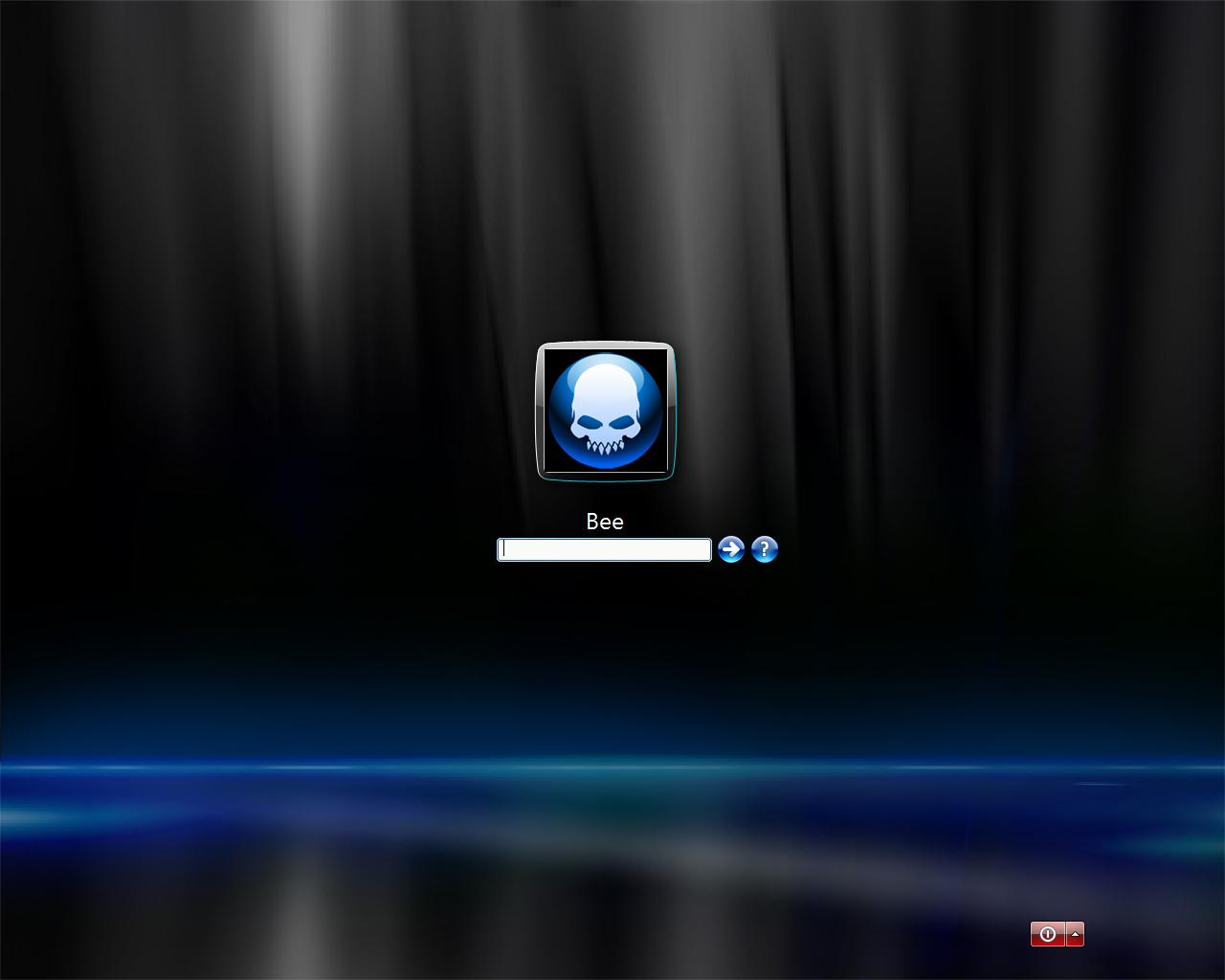
My current logonxp design I created in action. You can get the Background, Vista LogonXP Theme and Vista User account icon below.
Vista Ultimate Wallpaper--->[link]
Beez Vista Icon--->[link]
LogonXP Vista theme--->[link]
Enjoy

**UPDATE**
Ok so there are a ton of people who like this user image I made. Let me explain how you get this look. First you need either logonxp or logonvista. Both of which you can create your own logons. All you need to do is create a new logon on your logonstudio program.
Download the wallpaper above. After that just download and install the new user image I added above.
Note if you already have vista or windows 7 and your using the logonvista program you don't need the silver vista bar around the image because you already have it.
XP users if you want the look of this as well. You then need to download my already create user blue skull image with the silver bar already around it here--->
Any questions let me know.
Vista Ultimate Wallpaper--->[link]
Beez Vista Icon--->[link]
LogonXP Vista theme--->[link]
Enjoy
**UPDATE**
Ok so there are a ton of people who like this user image I made. Let me explain how you get this look. First you need either logonxp or logonvista. Both of which you can create your own logons. All you need to do is create a new logon on your logonstudio program.
Download the wallpaper above. After that just download and install the new user image I added above.
Note if you already have vista or windows 7 and your using the logonvista program you don't need the silver vista bar around the image because you already have it.
XP users if you want the look of this as well. You then need to download my already create user blue skull image with the silver bar already around it here--->
Any questions let me know.
Image size
1280x1024px 51.01 KB
© 2008 - 2024 Dr-Bee
Comments8
Join the community to add your comment. Already a deviant? Log In

Could I get this to work with Windows 7 as well? I like to use CABAL (C&C) for my logon avatar so I've been occasionally looking up things to use as a background for the logon screen that keeps to the same blue on black thing CABAL has going. THIS looks to be it (and well done).